How it works
Road2IR Inventory keeps track of the devices on your shelves: what came in, what each case used, what is about to expire and what has been recalled. It is built for phones first, so the work happens in the storeroom and the procedure room, not at a desk later.
Getting set up
Create a site
A site is one IR program or storeroom. A global admin creates it, and whoever creates it becomes its owner. Add your own logo and browser icon under Settings › Branding if you like.
Invite your team
Sign-up is by invitation. Each person gets a role, such as Member, Viewer, Clinician, Auditor or Inventory manager, and only sees the pages and buttons that role allows. Roles and permissions →
Load your catalog
Import products from a purchasing spreadsheet (Excel or CSV), add them by hand, or create them the first time you scan a box. Past cases can be imported too. Importing products →
Turn on what you need
Barcode scanning, storage locations, visits and stock alerts are each switched on per site, so a small program isn't shown tools it doesn't use.
Day to day
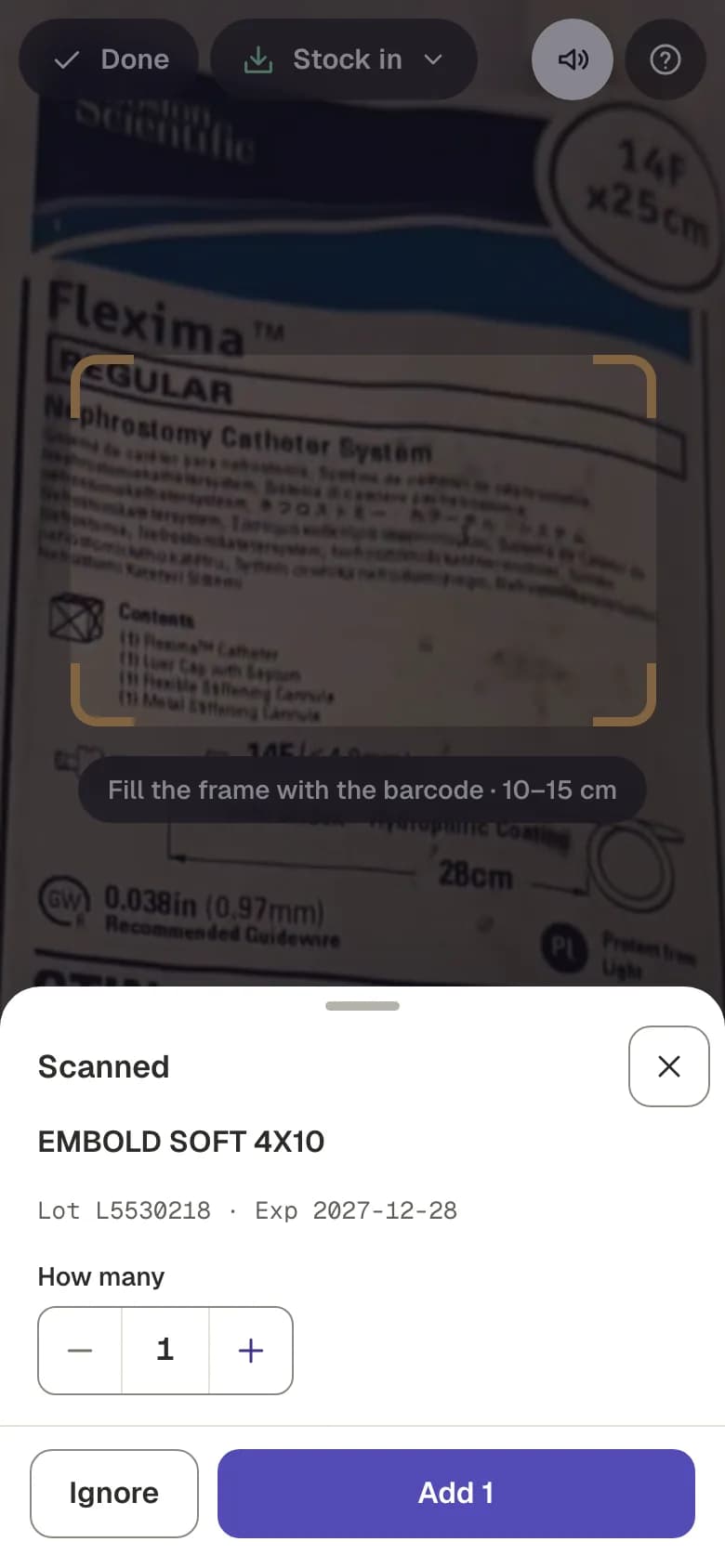
Scan stock in
Point the phone at the box. The scanner reads GS1 barcodes and DataMatrix codes, plus EAN/UPC and HIBCC, and takes the product, lot, expiry and serial from the code. By default you confirm how many, and the scans wait in a cart for you to check and save.
When a code doesn't carry the lot or expiry, the app can read them off the printed label. That happens on the phone; photos aren't uploaded. A code the catalog doesn't know is looked up in FDA GUDID and Health Canada's device licence list so the new product is mostly filled in.
No signal in the storeroom? Stock-in scans are kept on the phone and sync when you reconnect.
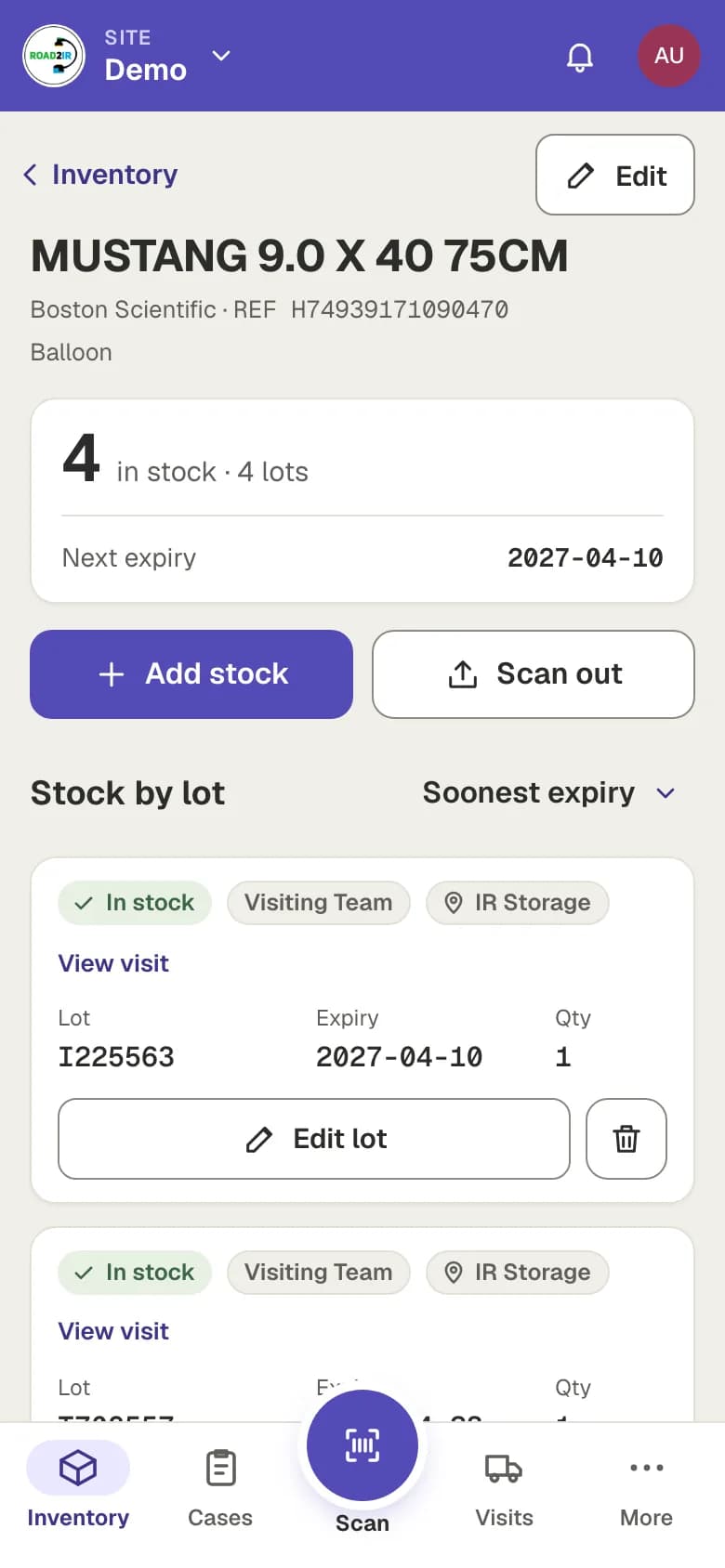
Know what's on the shelf
Each product shows its stock lot by lot, with the next expiry and a badge when it is low, out or close to expiring. Stock is used soonest-expiry first.
With storage locations on, every unit also records where it is: a room, a cabinet or a cart, plus a shelf or bin.
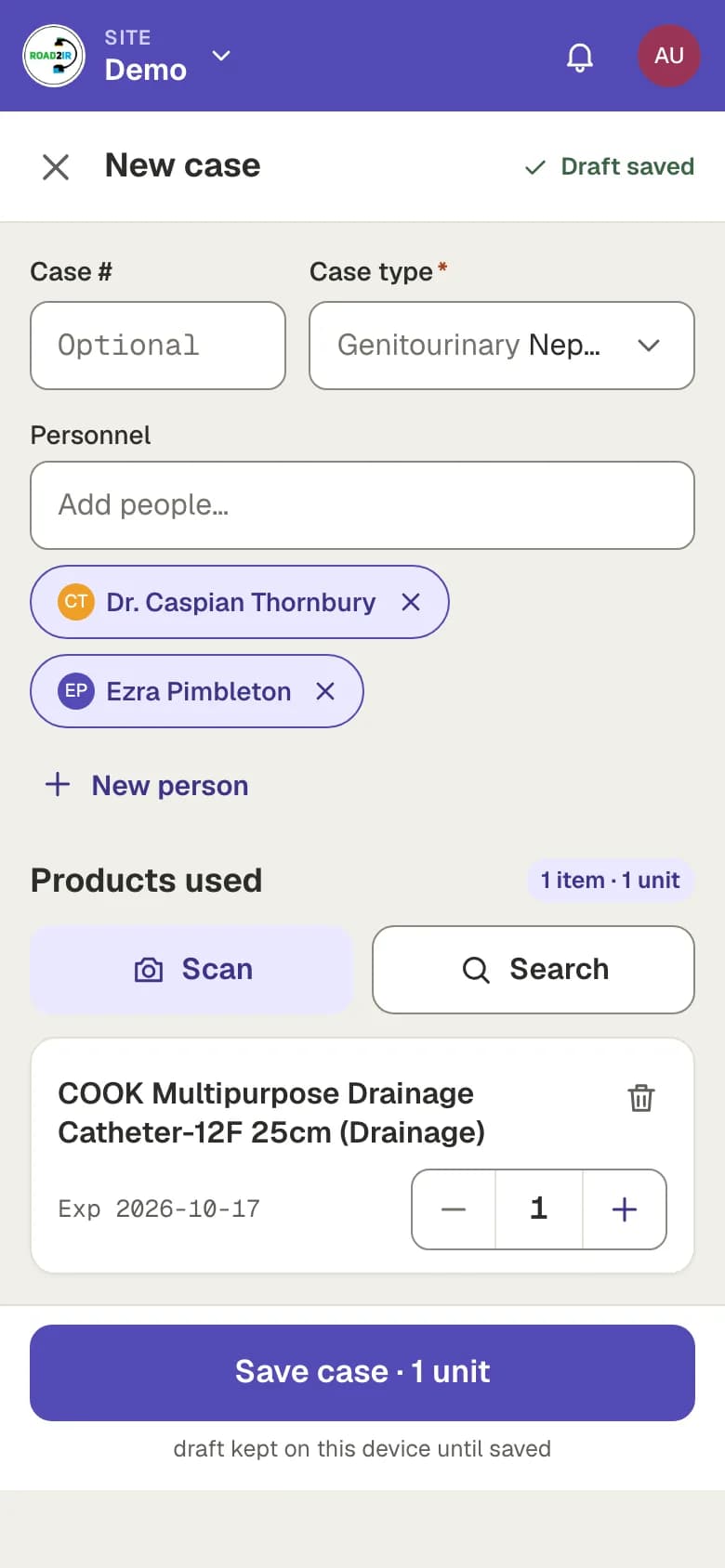
Record cases
Pick the procedure and the staff, then search for or scan the items used. Hospital-supplied items come off the shelf when you save; patient-supplied items are noted but leave your stock alone. A draft is kept on the phone until you save it.
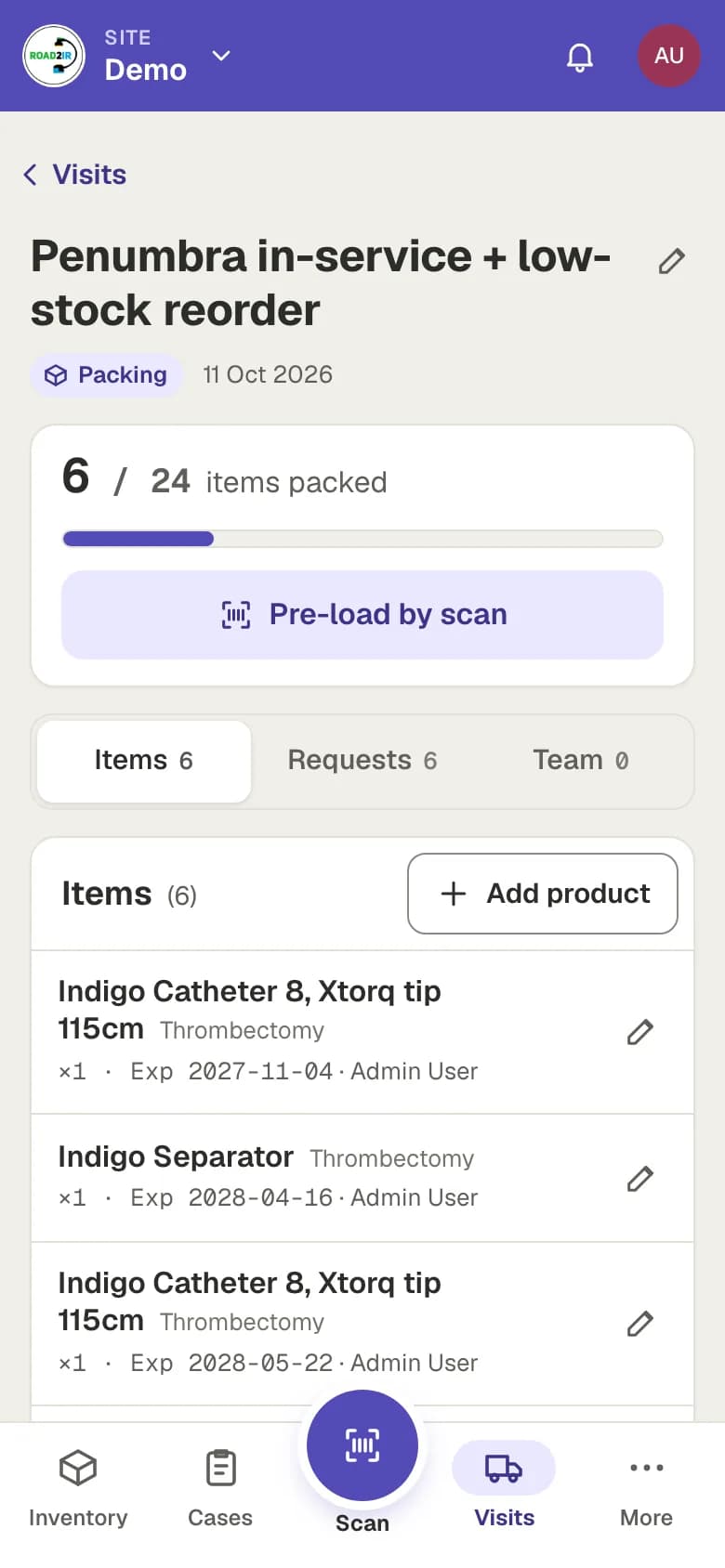
Plan deliveries
A visit is a planned delivery from a vendor or rep. List what you need, send the rep an invite link so they can load the stock themselves, and mark the visit delivered when it arrives. Sites that never get deliveries this way can turn visits off.
Count the shelf
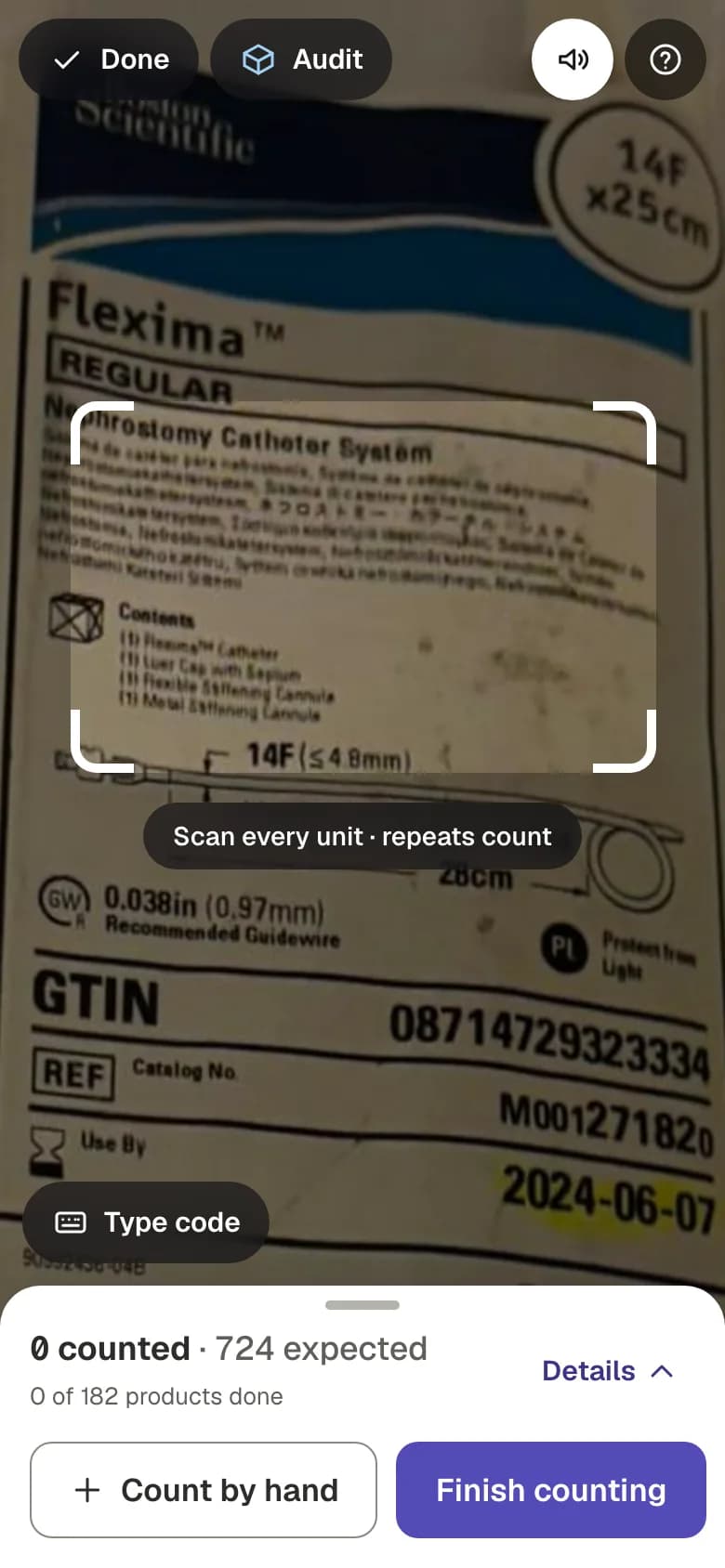
An audit counts the whole site, one location, one bin or one product type. Scan or count by hand, then a manager reviews the differences. Nothing in stock changes until the review is applied.
Staying ahead
Registration is by invitation. Got an invite?